
 Tech
TechAlex Chen12 min read
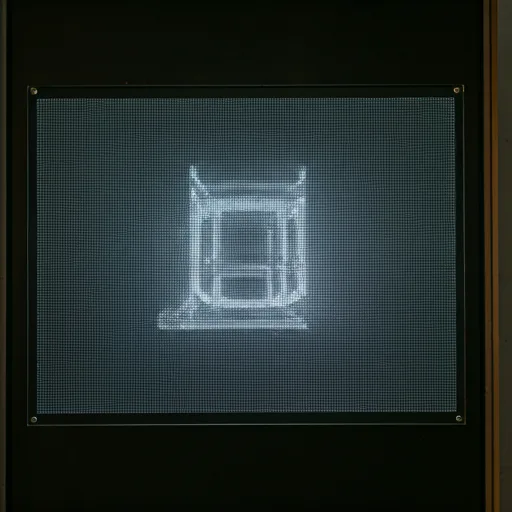
Future of Transparent LED Technology
Transparent LED turns glass surfaces into dynamic displays without blocking light. Explore how it works, its benefits, and where the technology is heading.
Read MoreShow LED Scroller on a 4K screen — sharp scrolling text on UHD TVs for lobbies, stages, and storefront windows.
A 4K screen (UHD TV) can show LED Scroller as a sharp scrolling banner for lobbies, stages, and storefronts. LED Scroller is a free browser simulator — we do not sell 4K panels. Design on a laptop or stick PC connected to your 4K screen, then fullscreen the message.
Resolution helps when guests stand farther away, but contrast and speed still decide readability. Open LED Scroller on a device outputting to the 4K screen, then launch fullscreen so only the scroll remains. Prefer bold weights over ultra-thin strokes on bright glass storefronts.
Keep messages short so viewers finish a loop at distance. Increase font size for lobbies and stages, and avoid ultra-thin colors that soften on UHD upscales.
Moderate scroll speed beats “fast because the TV looks big.” Test from the real viewing distance before go-live.
Use LED-style glow and matrix looks for brand feel, but keep contrast first so UHD clarity is not lost in decorative effects.
Connect HDMI (or equivalent) from your player device to the 4K TV, open this page, enter a short message, then verify size and speed on the final display — not only on a laptop preview.
High contrast beats fancy gradients in daylight windows. Raise brightness of text colors for storefront glass; soften glow for evening receptions.
Launch fullscreen so browser chrome disappears and guests see only the scrolling banner. Exit with Esc when you need to edit, then fullscreen again for the next loop.
No. The browser scales to your display. Fullscreen on the 4K screen is enough for a clean sign.
No. This page helps you use a 4K screen you already have with our free browser tool.
Use larger font sizes and avoid ultra-thin colors. UHD TVs usually look sharp when the source device outputs 4K or a clean 1080p upscale.
Only if the TV is rated for that environment. For content, prefer high brightness and slower scrolls.
No. Full HD and smaller tablets work. 4K is an upgrade when you already have the TV.
See the external big size screen page for broad TV and multi-display setups; use this page for 4K-specific tips.
TechTransparent LED turns glass surfaces into dynamic displays without blocking light. Explore how it works, its benefits, and where the technology is heading.
Read More Business
Plan clear, high-impact LED screen content for shops, events, lobbies, and menus—covering message structure, contrast, scroll speed, and Full HD or 4K display tips.
Read More Science
From glass tubes to LED scrollers, explore the physics of luminescence, color gamut, and high-contrast psychology behind vibrant neon displays.
Read More